
How To
Use GrantForward
Categories:
Updated: April 20, 2026
Created: November 17, 2025
GrantForward is a subscription service for locating funding opportunities to support research. It maintains a database of grants, fellowships, and other funding information from public and private, domestic and international sources—for science, social sciences, humanities, and community outreach funding. Anyone with a SUnet ID can access the site.
How to Use GrantForward
Create an account
- Single Sign On: Go to account.cazoodle.com/saml/grantforward/Stanford and sign in with your SUNet ID. Your account will be created automatically.
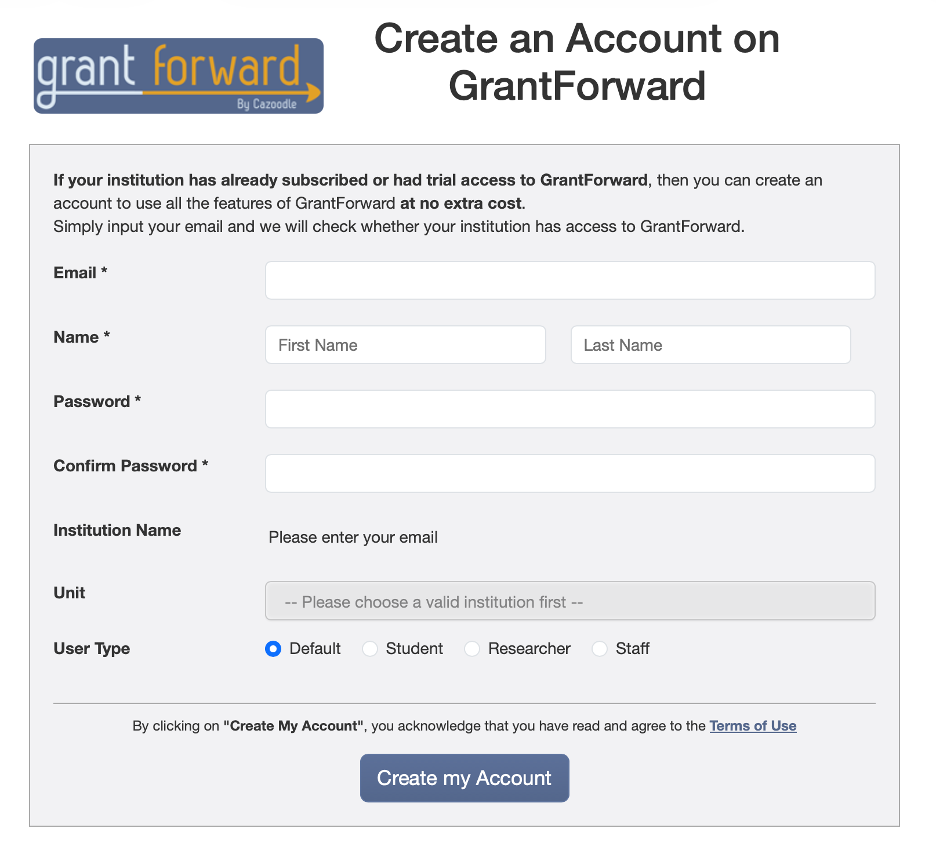
- Manual Sign Up: Go to account.cazoodle.com/signup and register using your Stanford email address. Select your User Type so the system can tailor default filter settings for grant search and recommendations.
Create your profile
Completing your researcher profile enables personalized recommendations.
- Open https://www.grantforward.com/profile/my_profile
- Claim an existing profile (if available) and make further modifications if needed. You can also either create your profile manually or request an auto-generated profile that you can review and edit.
- GrantForward will infer your research interests from the information you provide and use them to identify relevant opportunities.
Set up recommendations
- Visit https://www.grantforward.com/recommendation/view to view opportunities aligned with your interests.
- Add customized keywords and filters to refine your recommendations, and enable email updates to receive periodic alerts when new matching opportunities are posted.
- GrantForward Tutorial for Researchers: How Can I Tailor My Grant Recommendations?
Find and manage grants
- Search for funding: Use the keywords, advanced search filters, and AI Query Assistant to locate opportunities that fit your needs.
- GrantForward Use Case for Researchers: Find Grants
- Save grants: Add opportunities to your profile for easy access and ongoing tracking.
- GrantForward Use Case for Researchers: Monitor and Get Alerts for New Grant Opportunities
Additional resources
- Instructional videos: GrantForward offers tutorials on its YouTube channel and within the platform.
- Support page: Explore the support section on the GrantForward website for guides and answers to common questions.